USB-C cables can look almost identical while supporting very different jobs. One may be suitable for a phone and a power bank; another may be intended for a laptop, fast external storage or a monitor. The wattage on the package is useful, but it is only one specification.
A cable rating describes the power capability the cable is designed to support. It is not power forced into a device. Actual charging depends on the charger, device, cable and the charging protocol they can use together. Data speed and video support are separate characteristics that must also be checked.
Quick answer
60W is enough for many phones, tablets and some laptops. 100W is a practical choice for many modern laptops and higher-power USB-C chargers. 240W is mainly useful for higher-power USB-C setups or future headroom. In every case, check data speed, video support and construction separately.
Buying the highest rating is not always necessary. A 240W cable can work with a phone, but it will not make the phone accept 240W. Conversely, a cable that is suitable for charging may still be a poor choice for fast file transfers or an external display.
What does a 60W USB-C cable mean?
A 60W cable is commonly associated with USB-C charging up to 3A at 20V. It can be a sensible everyday choice for phones, tablets, power banks and devices whose USB-C charging requirement stays within that range. The exact supported modes still depend on the cable, charger and device.
Do not assume that every 60W cable has the same data capability. Some are charging-focused cables with USB 2 data rates; others may support more. Read the stated data standard if you copy files, use accessories, or connect a device to a dock.
What does a 100W USB-C cable mean?
A 100W cable is intended for higher USB-C Power Delivery levels, commonly up to 5A at 20V when the complete setup supports it. It is a useful class to consider for many laptops that charge over USB-C, as well as for users who want one cable that can handle both a laptop and lower-power devices.
A 100W marking does not guarantee 100W charging from every charger or every port. It also does not reveal data speed, video capability, length, plug design or durability. Those need their own checks.
What does a 240W USB-C cable mean?
240W is the higher USB-C Power Delivery Extended Power Range class, often described as up to 48V at 5A when compatible equipment supports it. It is relevant to higher-power USB-C laptops and similar equipment designed for that level. It can also offer future headroom for someone buying one cable for a changing setup.
It is not automatically useful for every person. Phones and many tablets do not need that capability, and a 240W cable may still have ordinary USB 2 data rates. Only choose it for power if your device and charger documentation indicate that it is relevant.
60W vs 100W vs 240W: Key differences
| Consideration | 60W cable | 100W cable | 240W cable |
|---|---|---|---|
| Maximum supported power | Up to 60W under supported conditions. | Up to 100W under supported conditions. | Up to 240W under supported conditions. |
| Current class | Often 3A. | Often 5A for higher-power operation. | 5A with EPR-capable equipment. |
| Typical use | Phones, tablets, power banks and some laptops. | Many USB-C laptops and all-round carry. | Higher-power USB-C setups or future headroom. |
| Laptop suitability | Suitable only where the laptop's documented need fits. | Often a practical choice for compatible laptops. | Useful only where laptop and charger support the level. |
| Data speed | Check separately. | Check separately. | Check separately; can still be USB 2. |
| Video support | Depends on cable and connected devices. | Depends on cable and connected devices. | Depends on cable and connected devices. |
| Who should consider it | Lower-power everyday users. | Laptop users needing more headroom. | Users with a verified higher-power requirement. |
This table is a buying framework, not a claim that all cables within a wattage class have identical capabilities. Always check the exact cable's published specification.
Cable wattage vs charger wattage
A charger rating is the maximum power the charger can provide in supported modes. A cable rating is the maximum power the cable is designed to carry in its stated conditions. The receiving device then determines what it can accept. The usable result is limited by the least capable relevant part of the chain.
For example, pairing a 100W charger with a 60W cable may limit a compatible laptop to the level the cable supports. Pairing a 240W cable with a 30W phone does not raise the phone's charging limit. For a charger-focused explanation, see the 65W vs 100W charger buying guide.
Why the device does not automatically receive the cable’s maximum wattage
Compatible USB-C equipment negotiates a charging level. The charger offers supported modes, the cable communicates its applicable capability where required, and the device requests a mode it can accept. Battery state, temperature and device software can also affect charging behaviour.
This is why a higher-rated cable is normally safe to use with a lower-power device when all equipment is compliant and in good condition. It supplies compatibility headroom; it does not override the device's design. Avoid damaged, loose or unverified cables.
3A vs 5A USB-C cables
Current is another way to describe cable capability. A 3A cable can suit many lower-power setups. Higher USB-C power levels commonly use 5A capability, which is why cable documentation matters for 100W and 240W use. Wattage is calculated from voltage and current, so the negotiated voltage also matters.
Do not choose only by an “amps” label. Match the cable to the charging requirement published for your device and charger. If a laptop expects higher USB-C power, a correctly specified 5A cable may be necessary to reach the intended level.
What is an E-Marker and when does it matter?
An E-Marker is an electronic marker in some USB-C cables that can communicate cable identity and capability to compatible equipment. It helps the charging system determine which modes can be used. Not every cable description presents this detail in the same way, so do not infer it only from a connector shape.
For higher-power USB-C charging, the cable must support the needed current and power mode. Look for clear manufacturer documentation rather than relying on a vague “fast charging” label. The existing comparison of 240W USB-C cables from Portronics, Stuffcool and Apple shows why E-Marker, power and data claims should be considered separately.
Charging speed and data speed are different
Charging power is measured in watts. Data bandwidth is usually expressed by a USB generation or a transfer-rate figure such as gigabits per second. One number does not establish the other. A cable can be excellent for charging and deliberately simple for data, or it can combine higher-power charging with high-speed data.
This distinction matters when a cable is used with an external SSD, dock or monitor. If you only charge a phone, USB 2 data may be perfectly adequate. If you move large files or rely on a desk dock, check the stated data specification before buying.
USB 2.0, USB 3.x and USB4 explained simply
USB 2.0 is an older, lower-bandwidth data standard that is still common in charging cables. USB 3.x covers several faster generations with different capabilities. USB4 is a newer family intended for higher-bandwidth connections and may be relevant for fast storage, docks and displays when the source device, peripheral and cable all support compatible modes.
These labels are not interchangeable and the names can be confusing. Read the exact published data rate and supported features for the cable you are considering. The USB-C connector by itself does not guarantee USB4, fast storage transfers or display output.
Can a 240W cable still have USB 2 data speeds?
Yes. A cable's ability to carry higher charging power and its data wiring are separate design choices. A 240W cable can be built primarily for charging and syncing at USB 2 speeds. That can be entirely appropriate for a charging-focused use case, but it is not the right assumption for a fast SSD or high-bandwidth dock.
Check both the power statement and the data statement. The same principle applies at 60W and 100W: a headline wattage number does not establish fast data performance.
What about video output?
Video through USB-C depends on the source device, display, port protocol, dock where used, and cable. Some cables explicitly state display support; many charging-focused cables do not. A USB-C connection may carry video on a compatible system, but not every cable is specified for every display mode.
Choose a cable that specifically documents the needed display capability if connecting a laptop to a monitor matters. Do not infer display support from a 100W or 240W charging claim alone.
Does cable length matter?
Length is mainly a practical choice: a short cable is easier to pack, while a longer cable gives more freedom around a desk, bed or socket. Capability must be checked at the actual length you buy. Do not assume that a longer version shares every specification of a shorter model.
For data-intensive or display use, buy the length you need and confirm the stated data and video capability at that length. Avoid tightly bending cables near the connectors, and replace a cable with exposed conductors, damaged insulation or an unreliable plug.
When is a 60W cable enough?
60W can be enough for a phone, tablet, power bank and a laptop whose documented USB-C requirement fits within that rating. It is often the sensible choice for a simple daily charging kit. Verify the device requirement rather than assuming by product category.
When should you choose 100W?
Choose 100W when a compatible laptop needs more than 60W, when you want a cable with broader laptop headroom, or when the exact charger and device documentation point to higher USB-C power. The 100W cable comparison covering Ambrane, Portronics and Belkin models can help with product-specific research.
When does 240W make sense?
240W makes sense when you own a device and charger designed for a higher USB-C Power Delivery Extended Power Range setup, or when documented future compatibility justifies the purchase. It may also be useful when one well-specified cable will be used across several devices.
For a phone-only or basic tablet kit, it is usually unnecessary. Higher power does not add charging speed without a compatible charger and device, and it says nothing by itself about data, video or cable longevity.
Common mistakes when buying a USB-C cable
- Choosing only by a large wattage number.
- Assuming every USB-C cable supports fast data or monitor output.
- Using an unsuitable cable with a higher-power laptop setup.
- Ignoring the cable's stated current, length and connector construction.
- Assuming a 240W cable is automatically USB4 or 40Gbps.
- Buying from a source that does not identify the exact cable specification.
Practical buying checklist
- Check each device's documented charging input and the charger output you will use.
- Match the cable's stated power and current capability to that requirement.
- Check USB PD, EPR or other relevant compatibility information.
- Check data rate separately if you transfer files or use a dock.
- Check explicit video support if using an external monitor.
- Choose the shortest practical length that suits your setup.
- Check the exact model, warranty and seller details before ordering.
Which cable should you choose?
Phone-only user
A well-specified 60W cable is often sufficient; prioritise the connector type, quality and length you need.
Phone and power-bank user
60W is commonly enough, but confirm whether the power bank uses USB-C output and which charging protocol it supports. Our power-bank buying guide covers that distinction.
Tablet user
Choose according to the tablet's documented charging requirement. A 60W or 100W cable may both work; data or display needs can be the deciding factor.
Lightweight laptop user
Start with the laptop's USB-C adapter rating. 60W may be enough; 100W can offer useful headroom where the laptop supports it.
High-power laptop user
Use the device maker's requirement to decide whether a 100W or 240W cable is relevant. Pair it with a compatible charger, such as the setups discussed in the local 100W charger comparison.
Dock, monitor or USB4 user
Begin with the required data and video capability, then confirm charging power. A high-watt charging cable alone is not enough.
Frequent traveller
Carry a cable whose documented capabilities cover your most demanding device, but avoid paying for unused data or power features. A compact backup can be useful for lower-power devices.
Examples to compare on Amazon
As an Amazon Associate I earn from qualifying purchases.
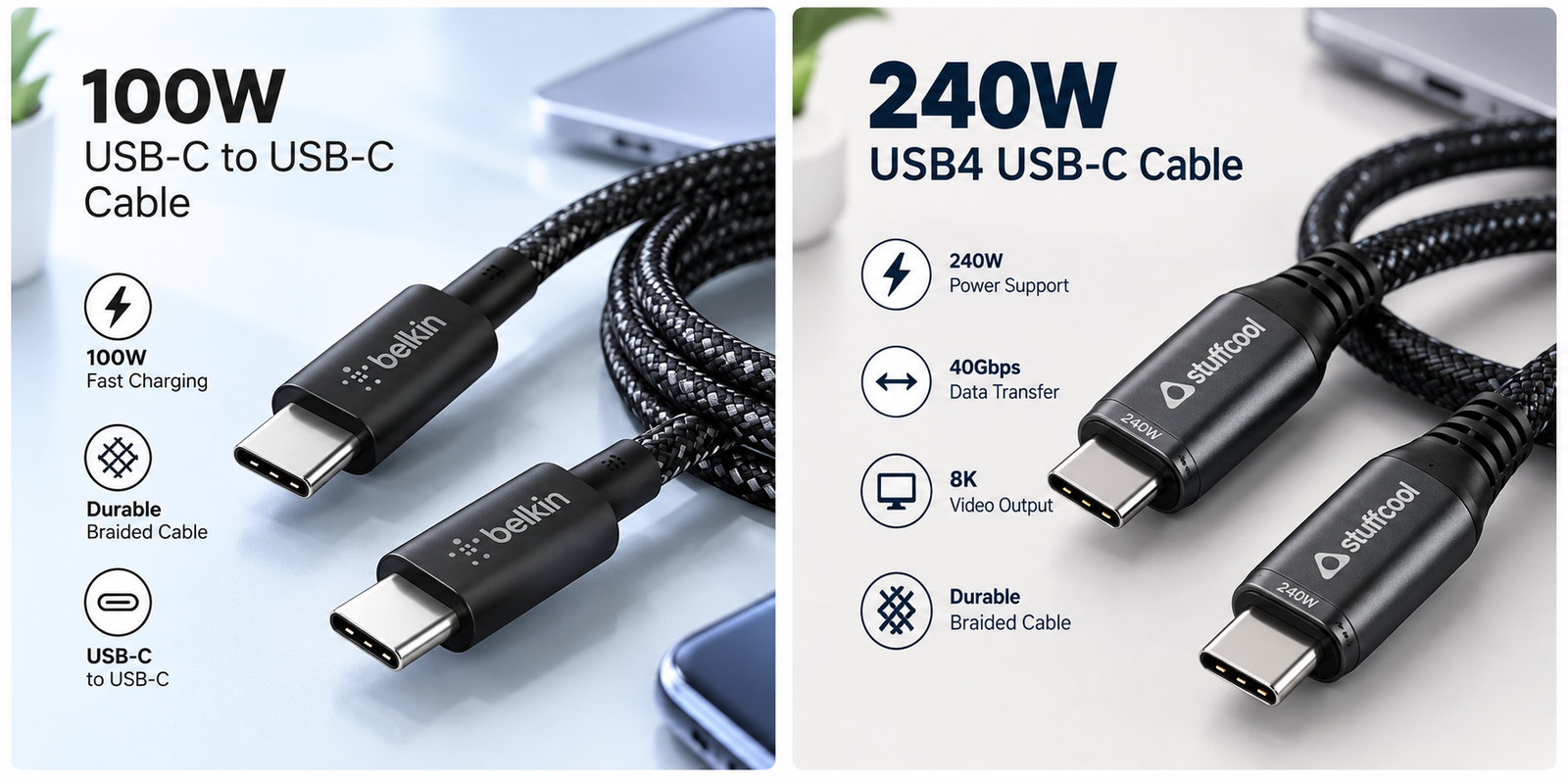
Belkin USB-C 100W Cable — 100W option
A useful example to compare if you need a 100W USB-C cable for compatible phones, tablets and laptops.
Check Belkin 100W Cable on Amazon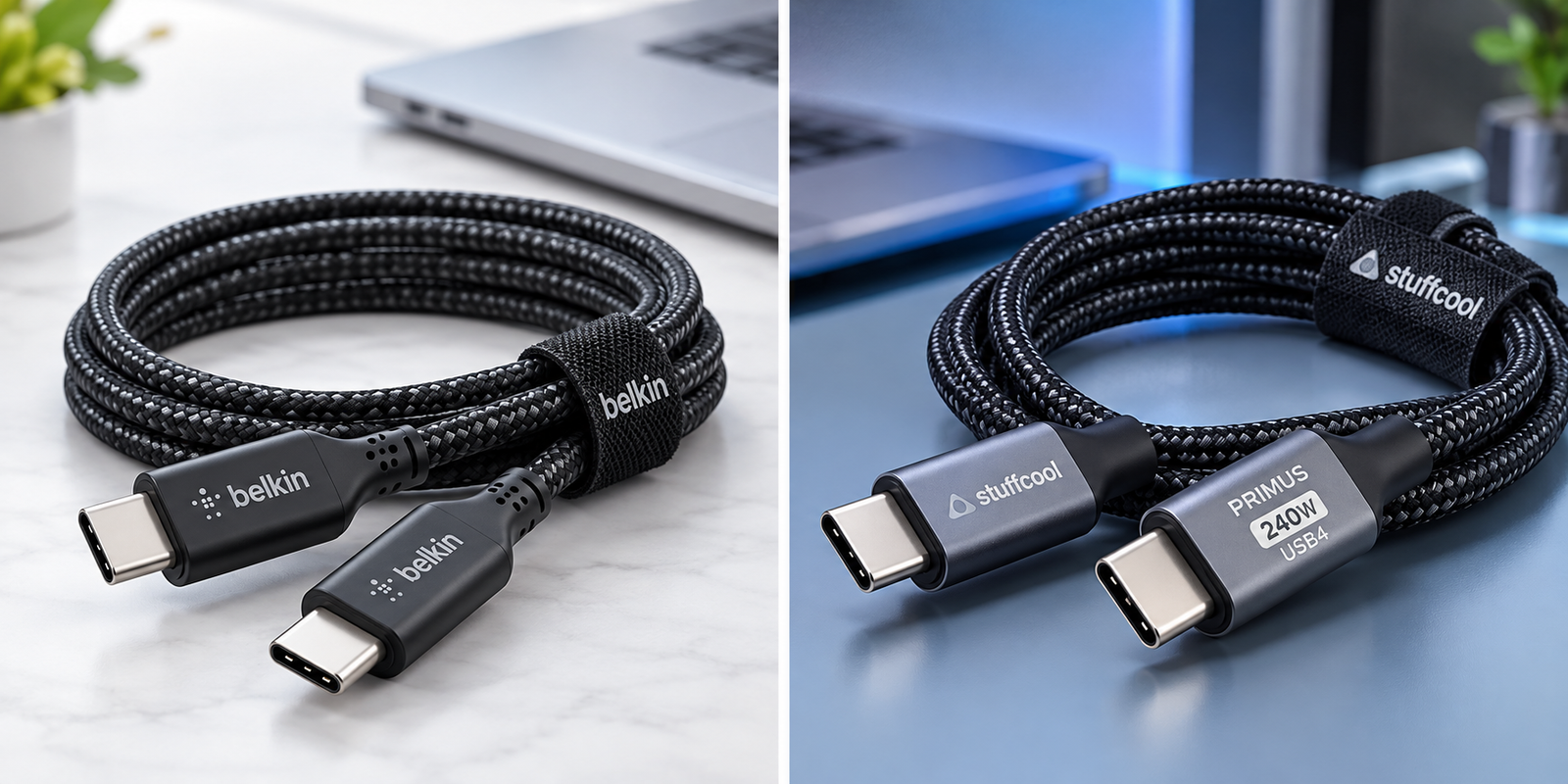
Stuffcool Primus USB4 240W Cable — 240W option
A useful example to compare if you want higher USB-C power support together with high-speed data and video capability.
Check Stuffcool Primus 240W Cable on AmazonFrequently asked questions
Will a 240W USB-C cable force 240W into my device?
No. A cable rating describes the power capability it supports. The charger and connected device negotiate a compatible charging level, so a device uses only the power it supports.
Is a 100W cable always faster than a 60W cable?
Not necessarily. Charging speed depends on the charger, device, cable and shared charging protocol. A 100W cable adds power headroom only when the charger and device can use it.
Do all 240W cables support USB4 or fast data transfer?
No. Charging capability and data capability are separate specifications. A 240W cable can be limited to USB 2 data rates, so check the stated USB data standard separately.
Do I need a 5A cable for 100W USB-C charging?
Higher USB-C power levels commonly require a cable rated for 5A with the appropriate electronic marking. Check the charger, device and cable documentation for the exact supported power level.
Does every USB-C cable support an external monitor?
No. Video output depends on the source device, display, port protocol and cable capability. A USB-C connector alone does not guarantee video support.
Is a longer USB-C cable always worse?
No. Length is a practical trade-off between reach and convenience. Choose a cable whose stated charging, data and video capabilities match your required length rather than assuming all longer cables perform the same.
Browse technology guides · Browse all buying guides · Everyday Helper home